


Attack Shark Mouse Polling Test
Mouse polling rate results are estimates
This web tool can only estimate the polling rate from browser events. Browser throttling, event coalescing, system scheduling, page focus, and device drivers can all affect the displayed Hz.
Use the result as a reference only.
How To Use
1. Start Testing
Click the START button to begin. This activates high-frequency tracking inside the page. Keep the pointer in the browser window while the test is running.
2. Move Your Mouse
Move your mouse continuously in circles or side-to-side. The faster and more consistent your movement, the more accurate the polling rate reading will be.
3. Analyze Graph
The blue line represents your real-time polling rate (Hz). A flat, stable line indicates a consistent sensor performance. Drops indicate instability.
4. Scale & Controls
Use the dropdown to set the Max Hz (e.g., 1000Hz or 4000Hz). Use PAUSE to freeze the data or RESET to clear all history.
FAQ & Knowledge
Collezione in evidenza

Post del blog
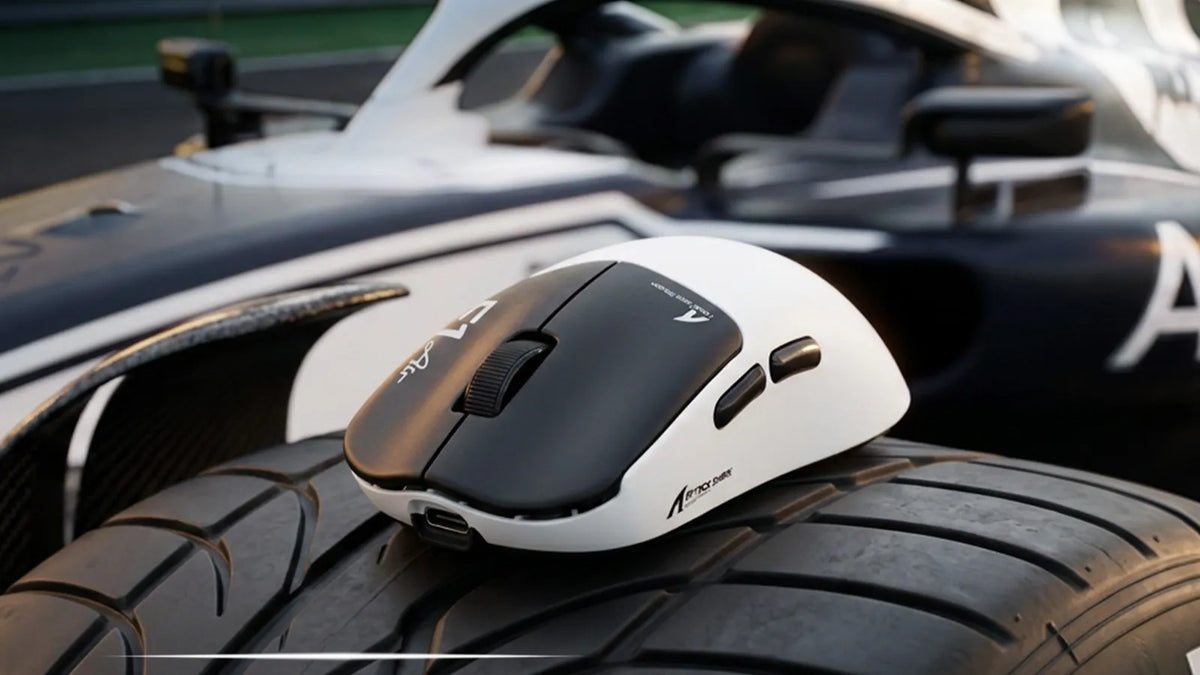
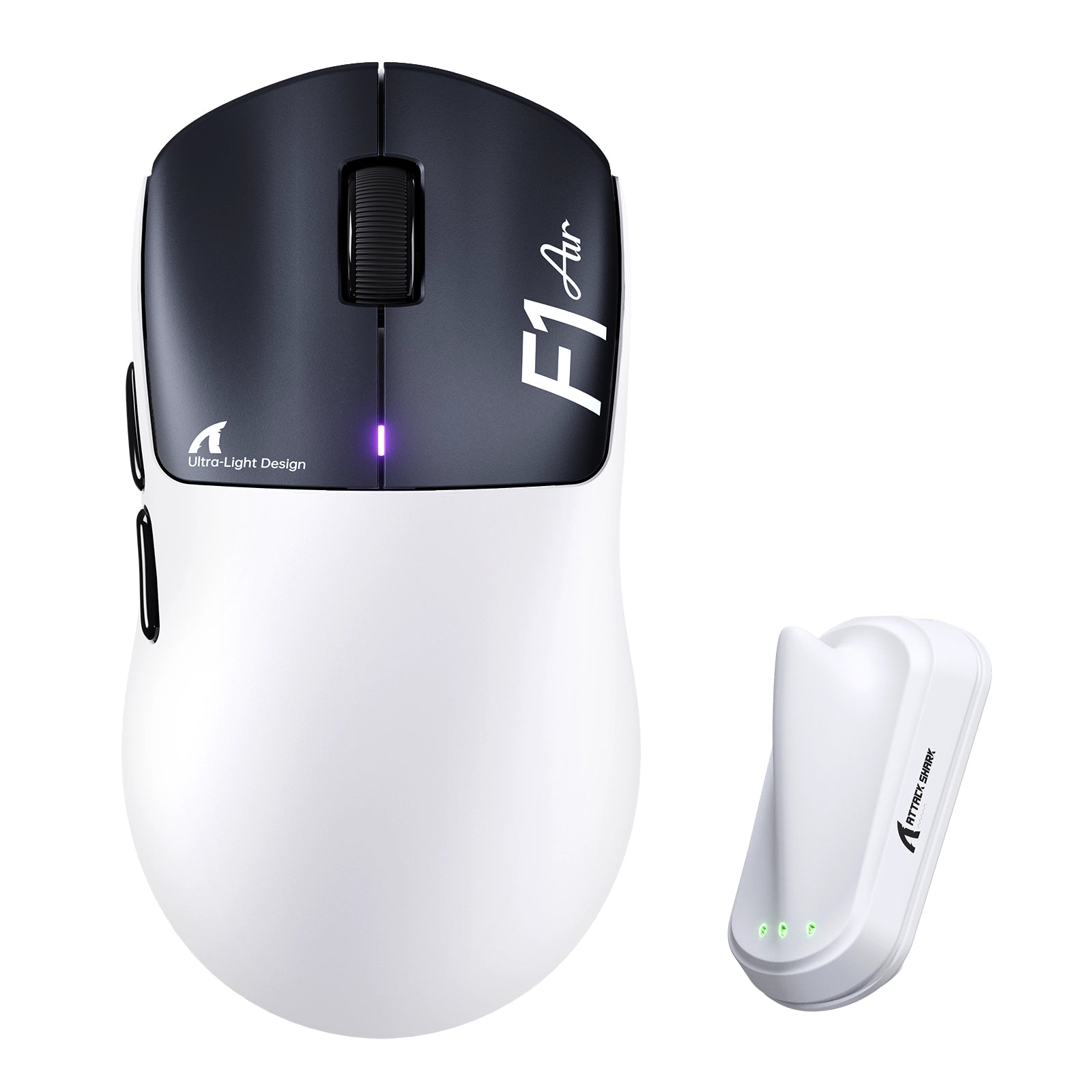
Scopri ATTACK SHARK F1 AIR: il mouse 8K ultraleggero definitivo
Una scocca da 39 g, il sensore PAW3955MAX e la doppia connettività wireless a 8K fanno di F1 AIR uno strumento di precisione per Valorant, CS2 e Apex. Velocità senza il peso extra.
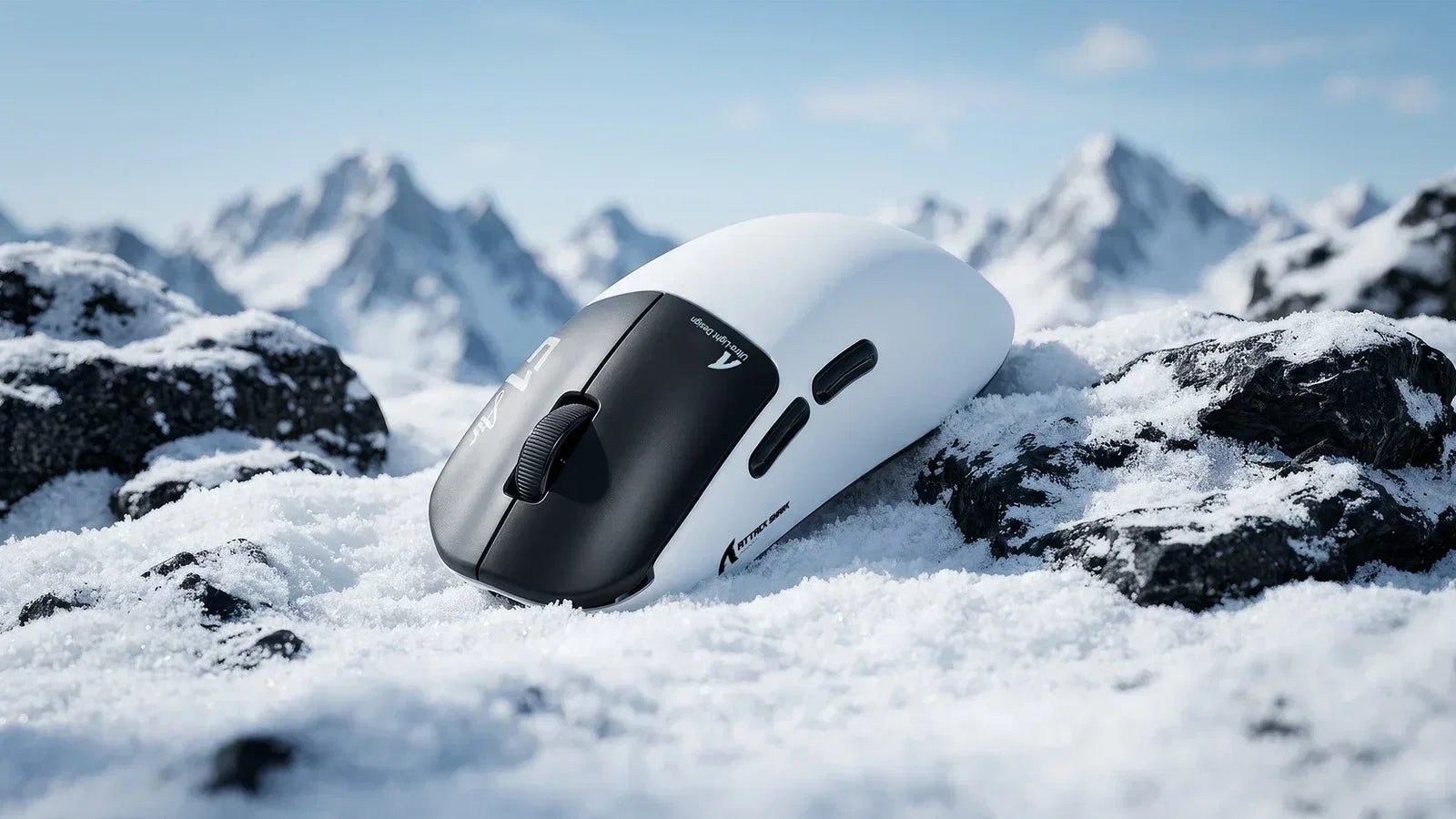
Niente più compromessi: superare i limiti dell’hardware negli FPS competitivi
L’affaticamento del polso rallenta i tuoi flick. Un mouse wireless ultraleggero da 39 g, con polling rate a 8K e sensore da 52K DPI, mantiene la tua mira precisa e la mano riposata anche durante le...
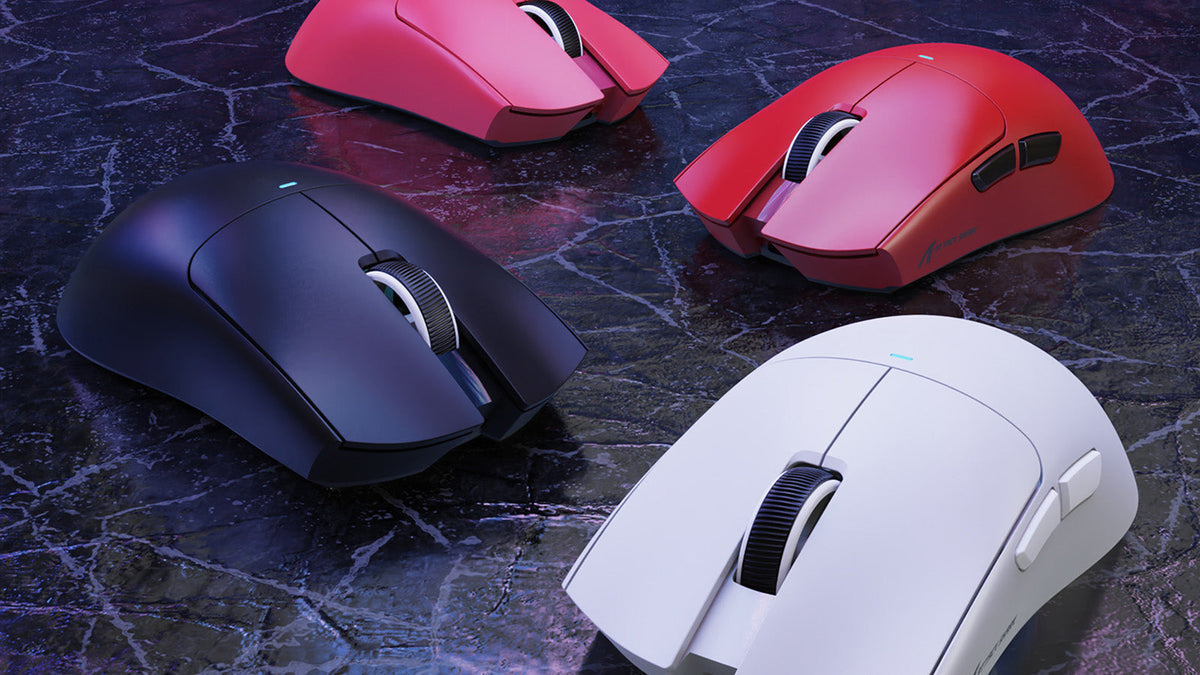
Quali periferiche usano i giocatori professionisti di CS2?
Le configurazioni vincenti di CS2 si basano su mouse a bassa latenza, tastiere Rapid Trigger, eDPI basso, mirini statici e scelte ergonomiche adatte alla tua impugnatura.